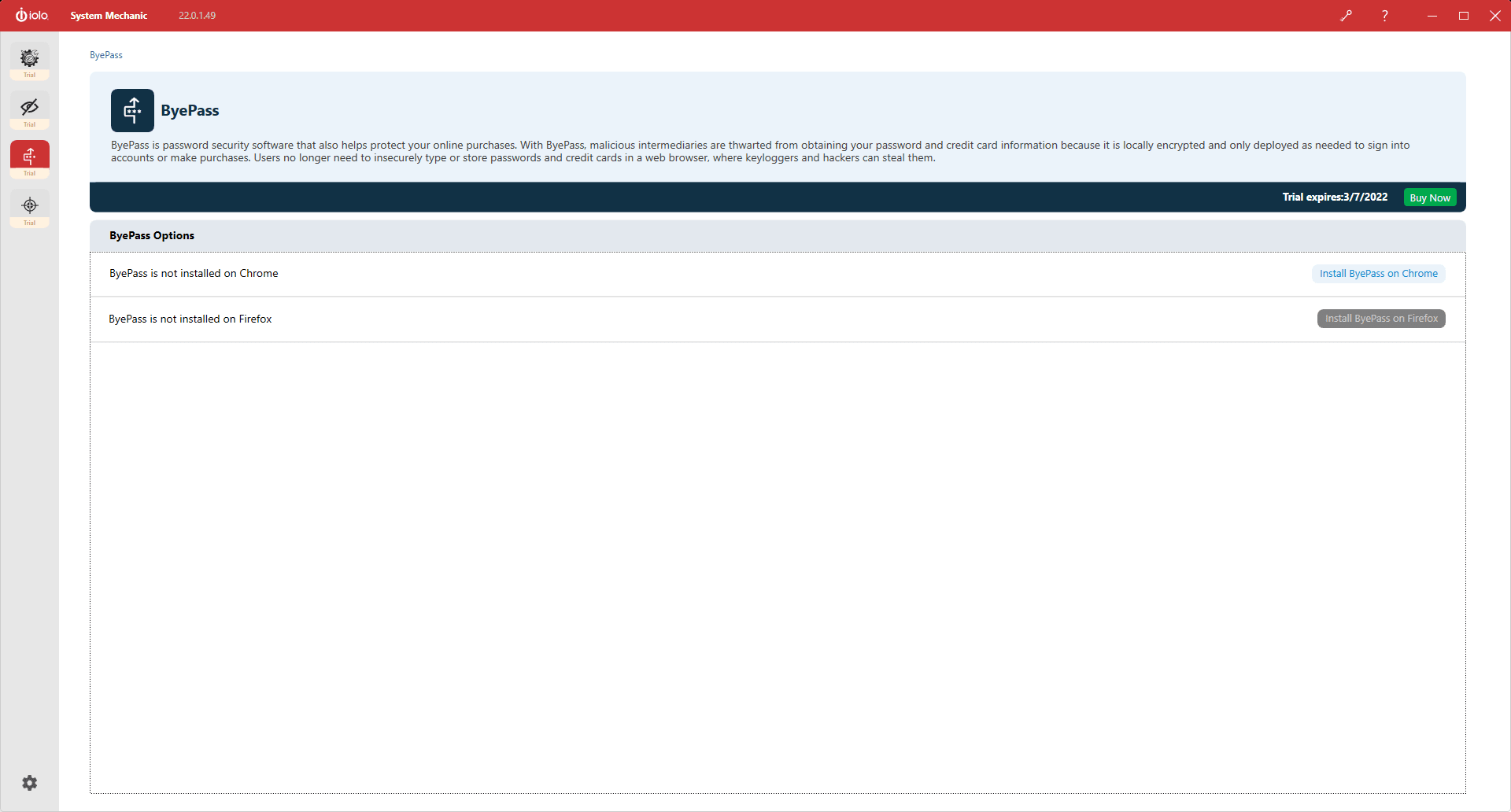
If you are looking for a PC cleanup tool that doesn't cost you an arm or a leg, then System Mechanic is the perfect application for your computer. The system optimization and maintenance application comes with additional features that include privacy protection, repairs, and the removal of bloatware. It will help get rid of random crashes on your PC and ensure that it keeps performing at its peak.
Performance and features
System Mechanic's main purpose is to resolve errors, optimize performance, and get rid of unexpected crashes. There is a free version that lets you test the software before deciding to purchase a license. Once you are fully satisfied with the performance, you can easily upgrade.
The highlighted feature of this application is its ability to boost the speed of your Windows computer. Not only does it maintain speed and keep the PC running at an optimal pace, but it also automatically tweaks your internet settings for improved downloading and streaming. It keeps your PC clean by automatically removing junk files while maintaining the privacy of both the PC and its user.
Security and higher tiers
Other features include repairing hidden errors you weren't aware of, blocking bloatware, pinning down lurking programs that slow your computer, and removing them. It handles overall system optimization and makes sure recurring problems stay gone. It is important to note that features like malware protection and antivirus are only available in the Pro and Ultimate Defense editions, not the standard System Mechanic.
A solid fix for sluggish systems
Whether you have a PC for personal or professional use, a lagging and slow Windows machine is annoying and wastes time. With System Mechanic, an optimization software that promises an overall system boost alongside PC de-cluttering and advanced-level clean-up, these problems can quickly become a thing of the past.
System Mechanic is a tool worth trying if you're looking for a one-stop solution to a slow PC problem. It is easy to install and use. Once installed, the generous licensing model means it can be used on all the Windows PCs in your home.
Hamza Sadiq
App tester and reviewer
★★★★★
★★★★★
Pros
An all-around tool for professional and personal use
System protection is available (in Pro and Ultimate editions)
Includes a 30-day money-back guarantee and a free trial
A reliable optimization tool endorsed by multiple tech outlets
Easy to use
Cons
Full features require a paid subscription
Available only on Windows, not macOS
Repetitive background cleaning alerts can be distracting